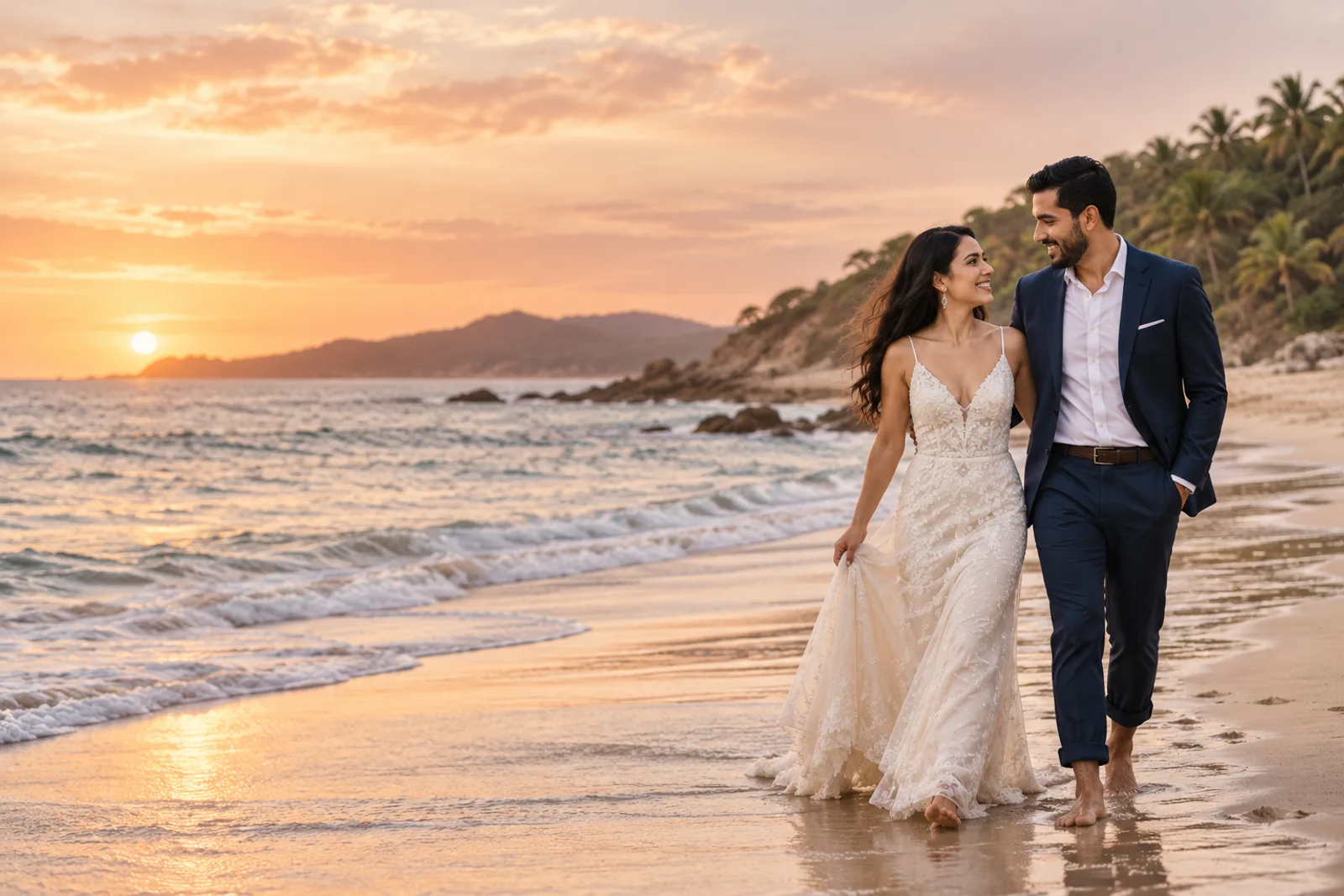
A beach wedding is easier to enjoy when guests know how to get there, where to stay, and what will happen throughout the weekend. Your invitation can be the starting point: one clear page they can reopen on their phone whenever they need the details.
If you are planning a celebration in Ixtapa-Zihuatanejo or another beach destination in Mexico, use this guide as a checklist. You do not need to put every detail in one block of text. Share what matters first, then organize the travel information so guests can find it without having to message you for every answer.
Your invitation can help guests plan the trip, not just mark the date. Keep the important details easy to find and easy to revisit.
What to include in a beach wedding invitation
1. The date, start times, and locations
List the ceremony time and location, then add the reception details if it will take place somewhere else. If you are hosting a welcome dinner or a brunch the next day, include its date, time, and address too.
Use exact times and the venue’s full name. If there are several events, put them in chronological order so guests can plan transportation and know which activities are part of the invitation.
2. Map links that open at the right entrance
Include the venue name and a direct map link. Add separate links when the ceremony and reception are in different places. If the venue has a special entrance, meeting point, or route through a resort, explain it briefly.
Open each link on a phone before sending the invitation. A map pin at the correct entrance is often more useful than a long street address to someone visiting the area for the first time.
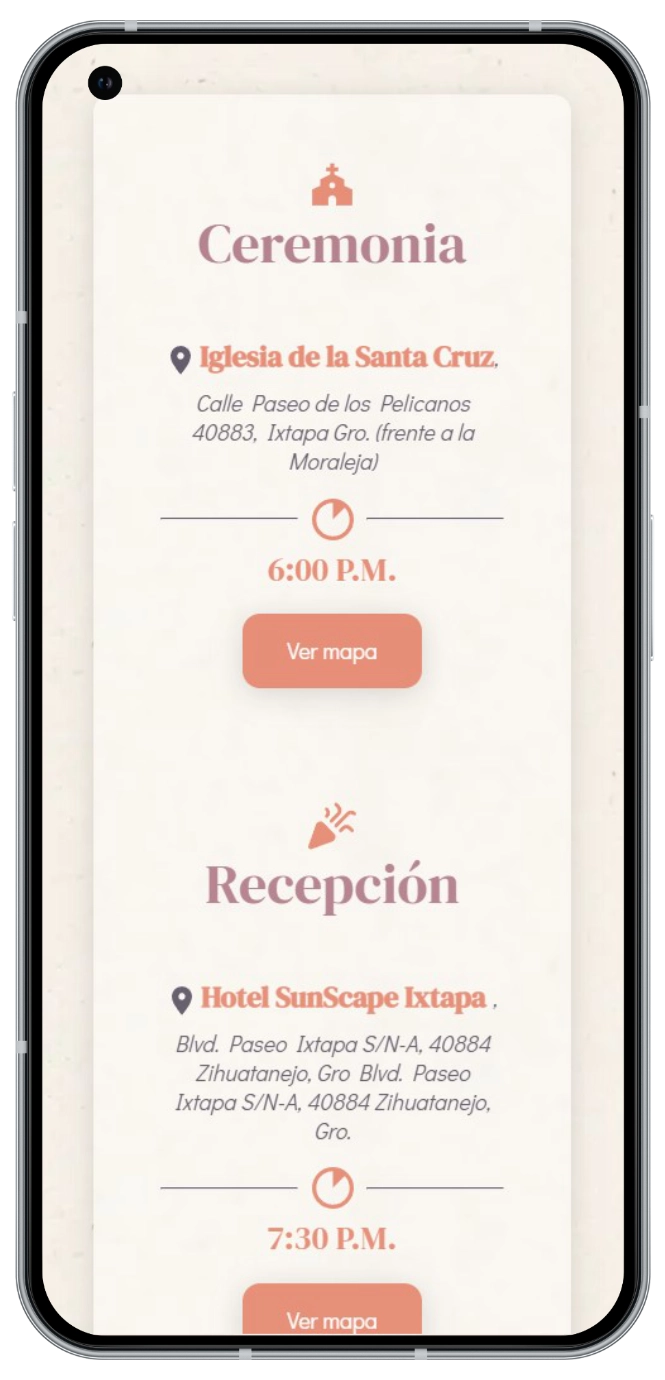
3. Lodging options and booking deadlines
If you have a room block, group rate, or recommended hotel, share its name, booking instructions, and the date the rate expires. Explain whether guests need to book directly and whether the block has limited availability.
If your lodging details are not confirmed yet, say so and share them later. It is better to give accurate information than to post a rate or room availability that may have changed. If you recommend a particular area, make sure the location and distance work for your guests.
4. How to get there and move between events
Tell guests which airport or station serves the area and what transportation options they can research. If you are arranging group transportation, include its pickup point, departure time, and how guests can reserve a seat.
Do not assume everyone knows the destination. A short note about the trip between the hotel and venue, or whether guests should arrange transportation in advance, can prevent confusion. Confirm travel estimates with the venue or provider before publishing them.
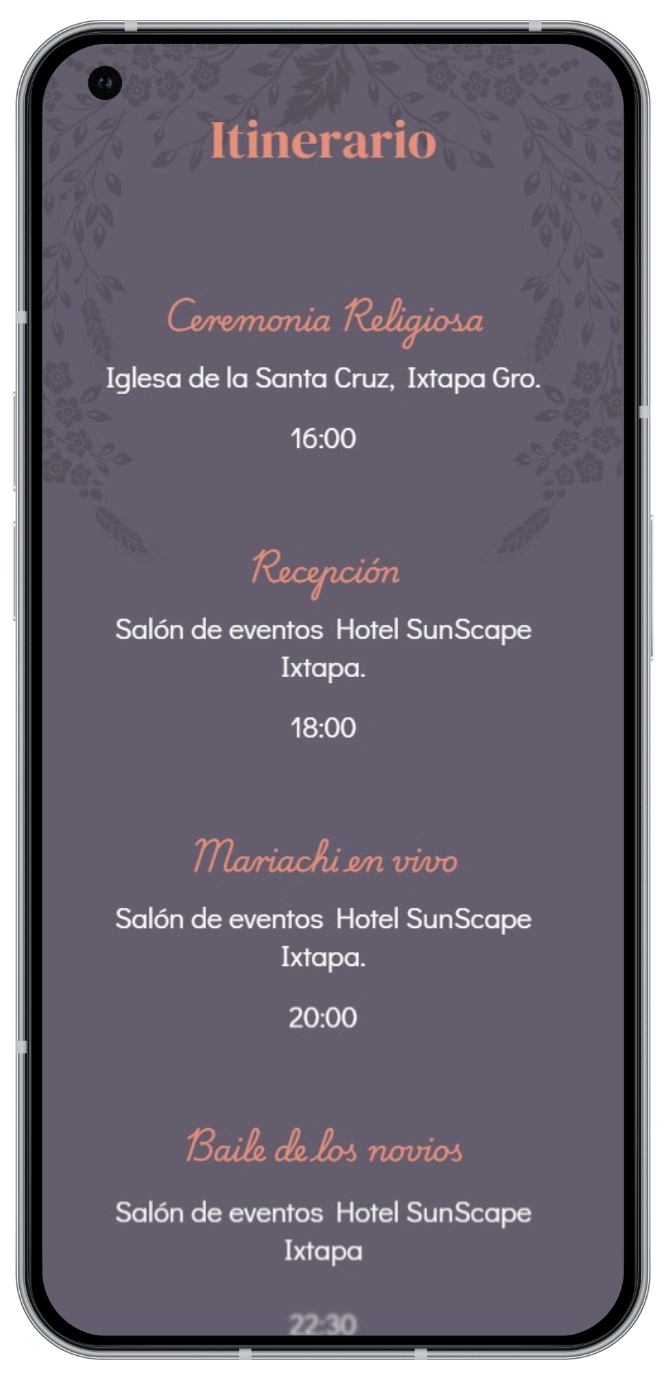
5. A simple weekend schedule
For every event, include the date, time, location, dress code, and whether guests need to RSVP separately. Make it clear which activities are part of the wedding invitation and which are optional.
A short schedule might look like this:
- Friday, 7:00 p.m. — welcome gathering at [location]; casual attire.
- Saturday, 5:00 p.m. — ceremony at [location]; formal attire.
- Saturday, 7:00 p.m. — reception at [location].
Replace the examples with your confirmed plans and leave out anything that is still undecided.
6. Dress code and venue notes
Name the dress code, then add the practical details guests need to interpret it: whether the ceremony is outdoors, whether they will walk on sand or stairs, or whether a light layer may be useful later in the evening. Include only what will help people feel comfortable.
Share venue rules about accessibility, parking, entry, permitted items, or children ahead of time. Keep the wording direct and considerate.
7. A clear RSVP deadline
Ask guests to respond by a specific date. Their answers can help you plan seating, meals, transportation, and lodging, so tell them who should respond and which details you need.
If you assigned a specific number of seats to each invitation, explain that guests should confirm only the people listed. If you need dietary information or interest in group transportation, ask for it during the same RSVP process instead of following up across several chats.
8. One contact for questions
Choose one person or channel for logistics questions. This keeps guests from receiving different instructions from several people and lets you focus on wedding decisions that still need your attention.
Make the information easy to scan
A digital invitation can hold plenty of detail, but show guests the essentials first: when and where the ceremony is, how to RSVP, and where to find travel information. Then organize lodging, the schedule, and FAQs under clear headings.
Before sending it, read the invitation as someone who has never visited the area:
- Can I quickly find the ceremony date, time, and location?
- Do the maps open and make the route clear?
- Can I find lodging, transportation, and schedule details?
- Do I understand the RSVP deadline and how many seats are assigned?
- Is the information readable on a phone?
Ask someone outside the planning process to do this check. If they have to ask you something you expected the invitation to explain, add or clarify that detail.
How a digital invitation can help
When travel details, schedules, and RSVPs are scattered across messages, guests may lose an update or open an outdated screenshot. A digital invitation gives everyone one link to revisit when they need the latest event information.
Depending on the design and setup, a Nvitaciones wedding invitation can bring together maps, a schedule, lodging information, and an RSVP flow. Responses can connect to WhatsApp and the guest panel can help organize replies and assigned seats. The couple still coordinates flights, hotel bookings, and transportation with each provider; the invitation helps share the confirmed details in one place.
See how Nvitaciones digital wedding invitations can fit your celebration. The goal is not to add more technology; it is to make useful information easier to share.
Beach wedding invitation FAQs
When should I send a beach wedding invitation?
Share it once the date, venue, and main details are confirmed, giving guests enough time to plan their trip. If some logistics are still pending, send a save-the-date first and share the full travel information when it is ready.
What lodging details should I include?
Include confirmed options, booking instructions, applicable deadlines, and any valid group code or rate. Clarify whether each guest is responsible for booking directly, and check that the terms are still current.
How can I keep track of beach wedding RSVPs?
Set a deadline, ask each invitation to respond, and record attendance and assigned seats. If you also need meal or transportation details, collect those with the RSVP so you have fewer follow-up messages.
Can a digital invitation include maps and a schedule?
Yes. A digital invitation can bring map links, times, and event details together on one page. Test each link on a phone and update the page if plans change.
For a local example, read our Ixtapa-Zihuatanejo beach wedding guide, or learn how to organize beach wedding RSVPs.